

Amazon backend keywords? Honestly, they’re one of the most missed chances to get more sales. People spend ages making titles and features perfect, but the backend keywords—that space shoppers can’t see, but the Amazon computers *love*—often gets forgotten. The reality is, a lot of brands don’t even bother with these hidden search terms. And some waste half an hour or more trying to tidy them up in spreadsheets!
Backend keywords? They’re super important for Amazon SEO. They let you talk directly to the A10 algorithm. They let you get your products found for a bunch of search terms that aren’t even in your product listing. Here’s the thing: most tools just ignore this area. So brands are stuck manually removing duplicate keywords, getting rid of weird characters, and just generally formatting these big lists. This is slow and error-prone, and it means you miss out on chances to get seen.
There’s a faster way though. It exists! We noticed the “Swiss Army Knife” method can turn messy keyword dumps into clean, well-formatted backend fields in under 3 minutes. It means you don’t need complicated spreadsheet stuff or manual editing. You’ll make sure every bit of space is bringing in the most impact it possibly can. This guide won’t just tell you *what* Amazon backend keywords are; it will show you exactly how to work with them quickly and efficiently.
Table of Contents
⚡ TL;DR
- 249 Bytes, Not Characters: Backend search terms are limited to 249 bytes – special characters and non-Latin text consume more space.
- No Duplicates: Never repeat keywords already in your title, bullets, or description – Amazon already indexes those.
- Swiss Army Knife Method: Four-step workflow (Eye Toggle → Smart Copy → Process → Paste) cuts optimization time to under 3 minutes.
- Clean Formatting: Use space-separated single words only. No commas, special characters, or competitor brand names.
- Focus on Gaps: Backend should only contain relevant keywords NOT already in your visible listing.
- International Sellers: Use byte counters for non-English marketplaces where characters consume 2-4 bytes each.
What Are Amazon Backend Search Terms (And Why Most Sellers Get Them Wrong)
Amazon backend search terms? Here’s the deal: It’s a spot in Seller Central, capped at 249 bytes, where you can add hidden keywords. They’re not visible to shoppers. But Amazon’s algorithm uses them. Basically, it’s how Amazon figures out if your product matches different searches. It helps people find your stuff even if the main listing doesn’t say *exactly* what they typed.
They’re important, honestly. But backend search terms trip up so many sellers. The biggest mistake? Not getting the space thing. The limit’s 249 bytes, not characters. And while that’s almost the same for plain English, accented letters (ä, ü) or other alphabets (日) can use up *two* or more bytes. This really cuts down the space. Seriously.
Sellers also make strategic blunders. These mess with their efforts to get seen:
- Duplicating Words: Repeating keywords from your title or bullet points? Don’t. It’s already covered. Amazon *really* looks at the visible stuff. So use the backend for completely new words.
- Using Commas or Punctuation: It’s a waste! You don’t need commas or anything like that. Amazon just sees it as a string of words separated by spaces.
- Including Competitor Brand Names: Don’t even think about it. It’s against Amazon’s Terms of Service. You could get your listing pulled or rejected.
So knowing what they are is just the start. The real trick is handling the data. And packing that field without spending hours cleaning it up manually. For a bigger picture of listing improvements, check out our Amazon Listing Optimization guide.
The 3-Minute Swiss Army Knife Workflow for Amazon Backend Keywords
Here’s the thing: the biggest problem with backend keywords is the actual workflow. Most sellers? They start with a huge, messy list from some keyword tool. And then they’re faced with the awful job of getting rid of duplicates and junk. The Swiss Army Knife workflow? It makes this easier. It’s like, four simple steps. It takes less than three minutes.

Step 1: Eye Toggle – Hide Used Keywords
First, find the keywords that are already in your listing (Title, Features, Description). With an “Eye Toggle” feature, you can instantly hide all the terms you’re already using. This makes sure you only focus on what’s missing. It stops you from wasting time on keywords you already have. I’ve found this helps me. Learn more about tracking keyword usage with Coverage Indicators.
Step 2: Smart Copy (Unused Single Words)
So, now the used keywords are hidden. Next, you grab all the single words that are left. A “Smart Copy” thingy can pull out every single, unused word from your master list. This makes a new list of possible backend terms. You don’t have to manually check spreadsheets anymore!
Step 3: Swiss Army Knife Processing
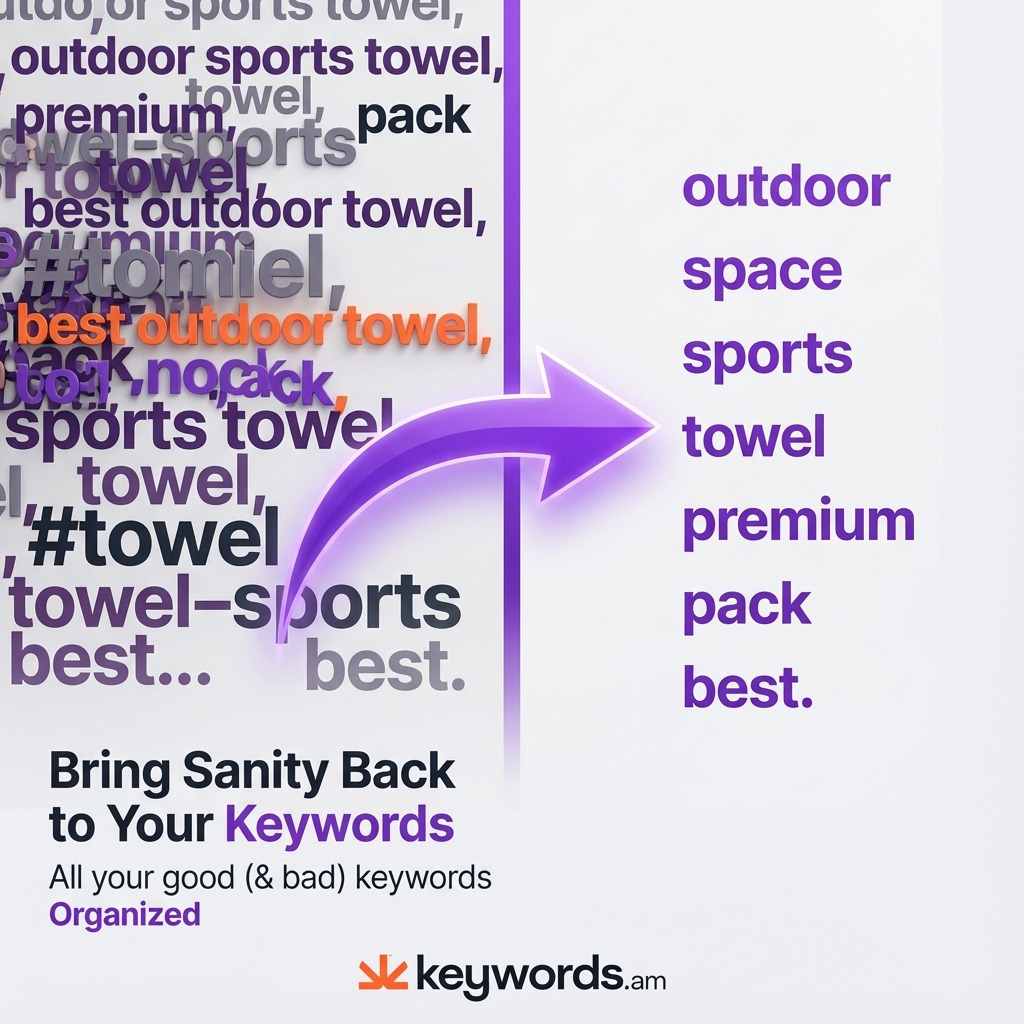
The raw list of unused words… Well, it gets processed. A tool like the Swiss Army Knife in Keywords.am cleans it up. It strips all the punctuation. It makes everything lowercase. It gets rid of duplicate words. And then it joins the cleaned list with spaces.
Step 4: Paste to Backend
The output? It’s a clean string of unique keywords, separated by spaces. It’s perfect for Seller Central. The seller can copy this string and paste it right into the backend search terms field. You know it’s free of errors, within the limits, and ready to go. Honestly, this automated workflow gets rid of human error. It turns a 30-minute thing into something quick.
Swiss Army Knife Features That Save Hours on Amazon Backend Keywords
Cleaning up backend search terms takes more than just getting rid of duplicates. You need a good set of tools to really control the process. It’s about taking care of common problems that cause Seller Central to reject your work or waste space. These features? They change things from a slow, annoying chore to something more strategic and, honestly, automatic.
Remove Words Shorter Than X
Keyword lists? They’re often full of short, common words like “a,” “for,” “in,” and “to.” These “stop words” don’t add much SEO value, but they do eat up space. A filter to remove words shorter than a certain length – say, 3 letters – will clean things up fast. For example, “a toy for kids” becomes the better “toy kids.”
Remove Except A-Z
Seller Central? It can be picky about special characters, numbers, and other symbols. A filter that strips everything except letters (A-Z) makes sure your keyword string is okay. It gets rid of things that could cause problems. This means you don’t have to hunt for symbols like ‘®’ or ‘&’ yourself.
Frequency Mode
Figuring out which words show up most often in your keyword list can help you decide what’s most important. Frequency Mode looks at your list and counts how many times each word appears. I’ve found this data really helpful for making smart choices. Here’s the thing: if a word shows up a lot but isn’t in your visible listing, you might want to add it to your title or bullet points next time you update your content.
Join With
Being able to format things how you want is key. Backend search terms need space-separated words. But other things, like ad campaigns, might need commas. A “Join With” function lets you pick what separates the words. You’ll get a clean list with spaces for the backend or commas for other uses.
Backend Optimization for International Marketplaces
Selling globally? It adds a whole new level to backend keyword work. Byte limits are something to watch. As we said, places like Japan and Germany count that 249 limit in bytes, not just plain old characters. Here’s the thing: non-English stuff, letters with those little marks, can hog two, three, even four bytes each. “Gift” is 4 bytes, but “für” is also 4, and “日” is 3.
If you just use a normal character counter for those marketplaces, you’re probably gonna go over the byte limit. Seller Central won’t be happy. Honestly, figuring out byte sizes by hand? Not gonna happen, too many errors.
Modern tools handle this stuff. They really do. Within Keywords.am, you can switch between byte and character counts. It’s pretty neat. When you pick “amazon.de” (Germany) or “amazon.co.jp” (Japan), the counter flips to byte mode. It gives you an exact, live reading of the space you’ve got. The Swiss Army Knife processor is designed for all character types. It means any keyword list for Amazon’s 21 marketplaces can be cleaned and prepped just right. We noticed this lets sellers use the same workflow everywhere. You’ll be sure that hidden search terms are right and ready to go.
FAQ – Amazon Backend Keywords Questions
1. How many characters can I use in amazon backend keywords?
Amazon’s limit? 249 BYTES. It’s not the same as 249 characters, though. For English, it’s usually around 249. But, if you’re using German or Japanese, those special characters can eat up more than one byte each. Always, always use a byte counter to be sure!
2. Should I use commas in backend search terms?
No way. Commas? Punctuation? Not needed. Honestly, they just waste space. And that space could be used for more keywords. The Amazon algorithm? It just sees a list separated by spaces. Tools like the Swiss Army Knife? They automatically join everything with spaces.
3. Can I repeat keywords from my title in backend search terms?
You can, sure. But here’s the deal: it doesn’t help. It’s a waste of space. Amazon already pays a lot of attention to your title, bullet points, everything visible. I’ve found the backend field is best for keywords NOT already in your listing. It lines up with the TFSD Framework, for listing smarts.
4. Why does Seller Central reject my backend keywords?
Lots of reasons. The most common? Going over that 249-byte limit. Or using things you shouldn’t, like competitor names or bad words. And sometimes, special characters cause trouble. To avoid the headache, run your list through a cleaning tool first. Get rid of anything not letters or numbers. Then, check that byte count. You’ll see, it’s worth it.
5. How often should I update backend search terms?
Well, it’s a good idea to look at your backend keywords every three months. Or when you’re starting a big new ad campaign. Use Search Query Performance reports from Brand Analytics to find keywords that customers are using right now. Those are good ones to add! Frequency analysis can help find winners you might want to move to the front of your listing, over time.
6. Do amazon backend keywords affect ranking?
Yes, they do! They help Amazon figure out what your product IS. That’s the foundation for ranking. But they don’t have as much weight as title keywords. Still, backend keywords are important to get those less common searches. They’re essential for people to find your stuff.
Conclusion
Amazon backend keywords? They’re like 249 bytes of secret sauce. Most sellers? They ignore ’em or mess ’em up. Honestly, wasting this space on stuff that’s already in the title? Or spending, like, forever cleaning keywords in a spreadsheet? That just won’t cut it anymore in today’s tough market.
Here’s the deal: the important things are clear as day:
– Backend search terms? Concentrate on words you don’t see in the listing.
– A quick workflow (Eye Toggle → Smart Copy → Process → Paste) will cut down time from minutes to seconds. I’ve found this to be true.
– Keywords have to be clean, separated by spaces, and no weird symbols. Otherwise, Seller Central will probably reject them.
– For selling in other countries, a byte counter? Non-negotiable.
To get going, do a quick check on one of your listings. Just copy what’s in the backend field now, and paste it into a tool, like the Swiss Army Knife. Then, run the frequency mode. You’ll see how much duplication and wasted space there actually is. The results will probably show you where you can make things better. Big time.
Ready to fix your amazon backend keywords without all the spreadsheet mess? Keywords.am’s Swiss Army Knife turns messy keyword lists into clean search terms in seconds.




